
Every listing
deserves a film.
Turn phone photos into listing-ready images, walkthroughs, and fly-overs. They render in the cloud while your phone is in your pocket.
Results
Same property. Same camera. A much better day.
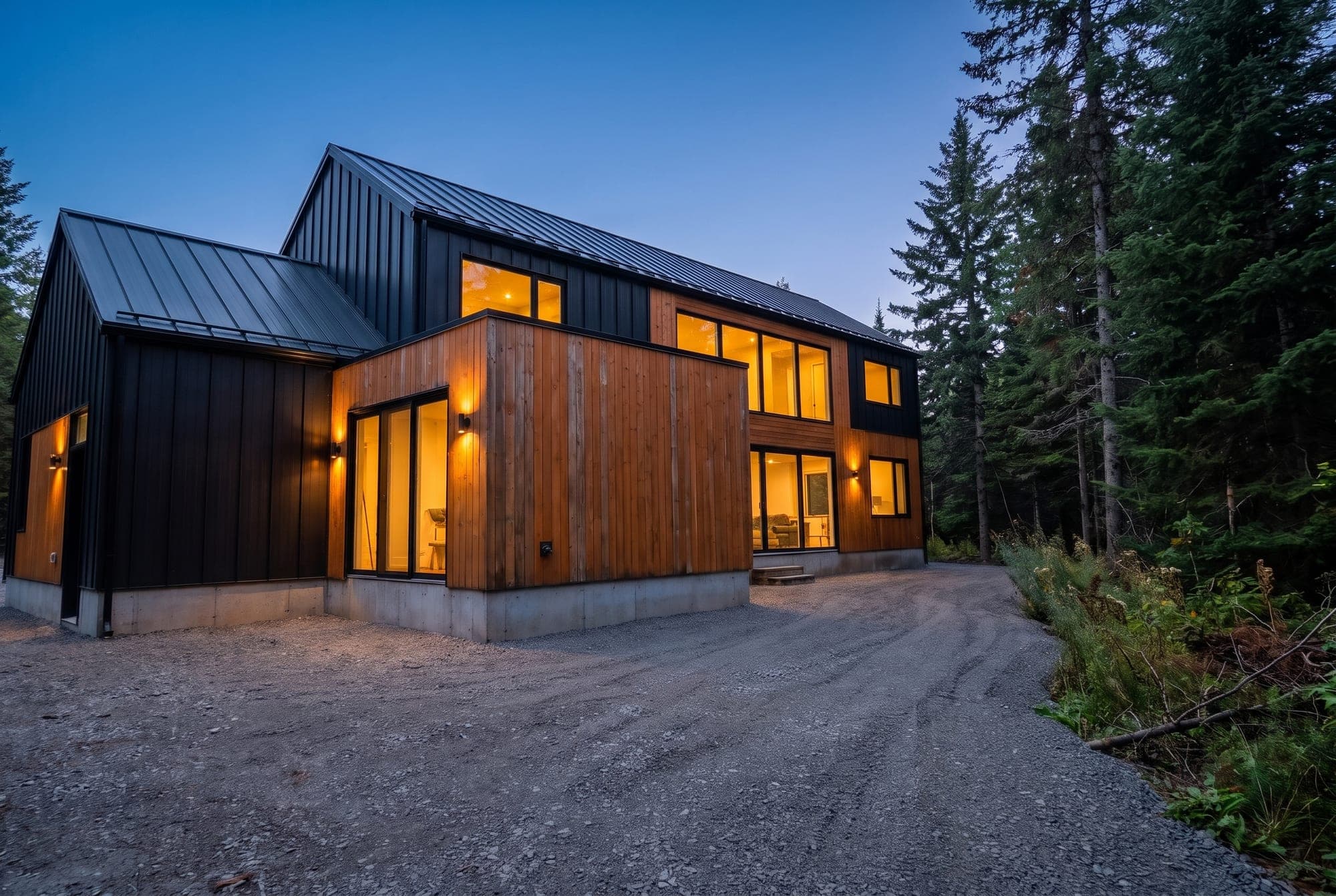
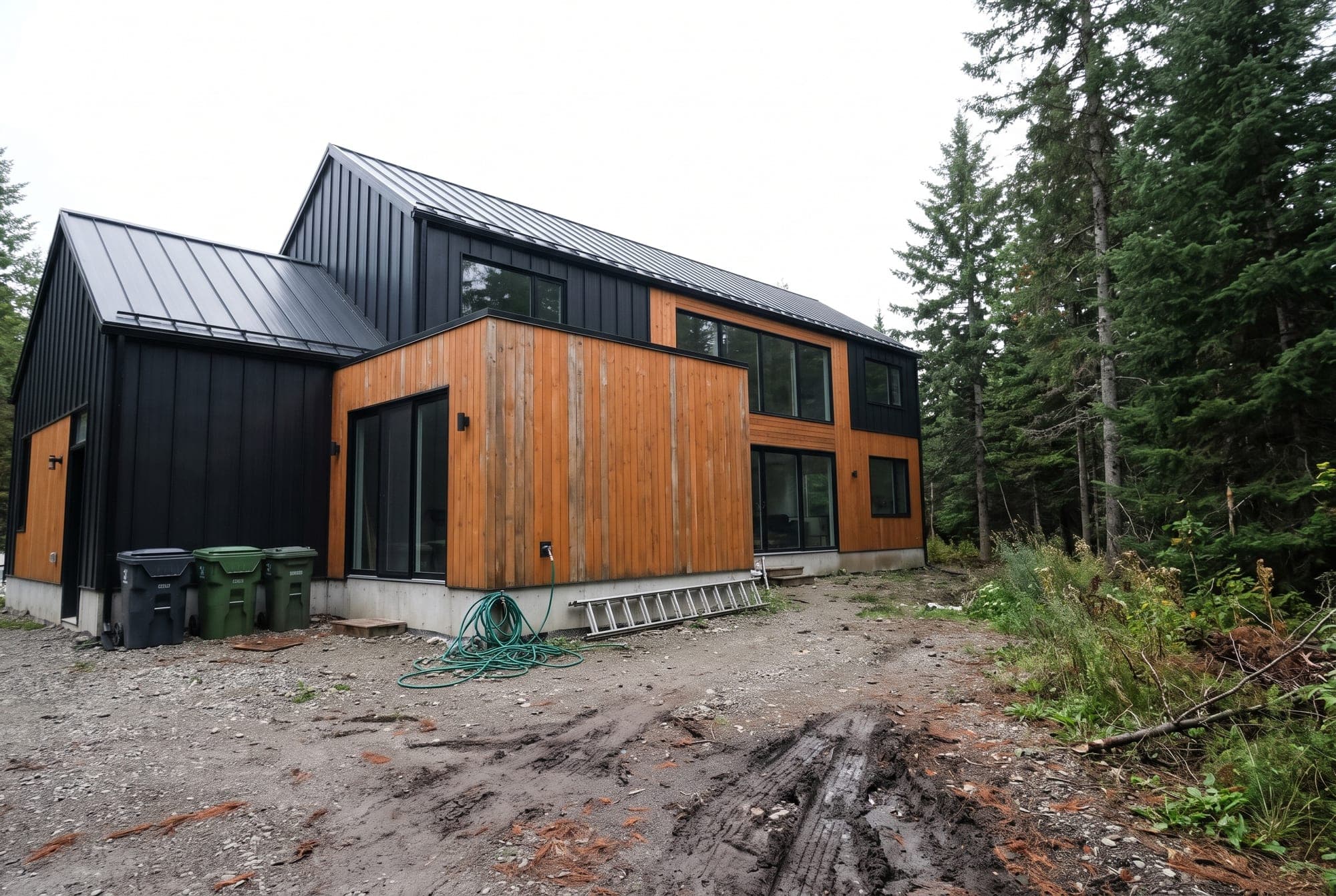
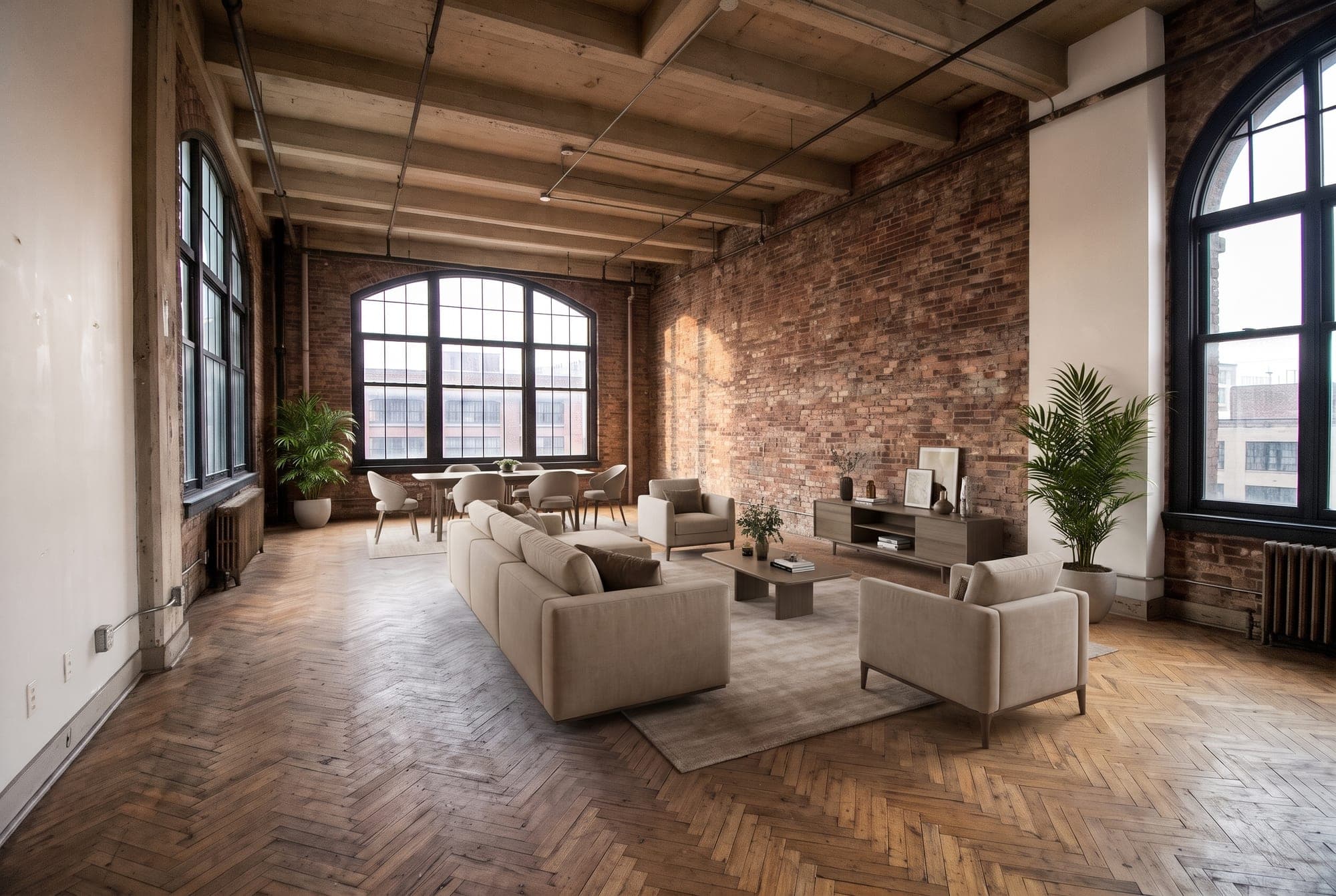
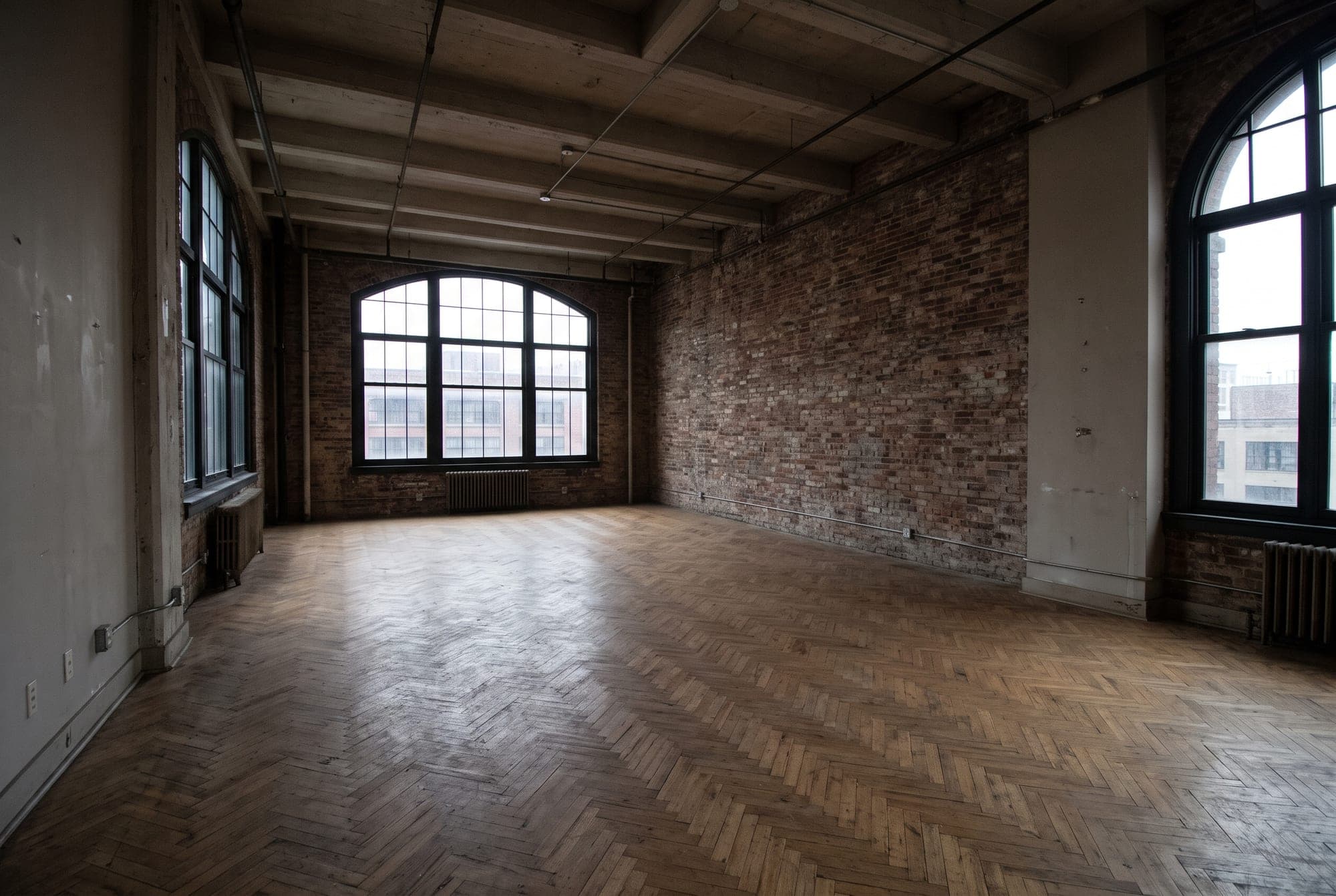
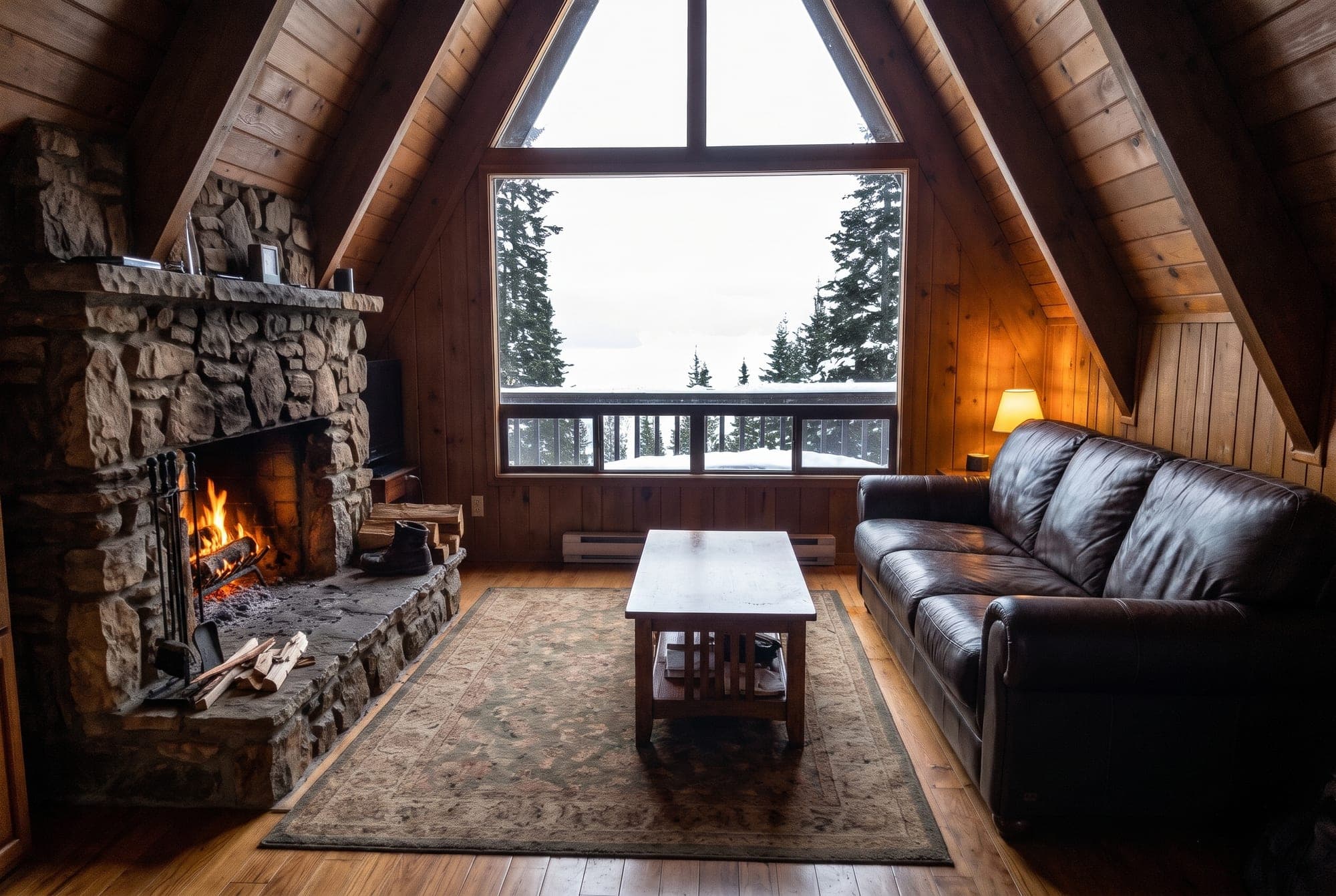
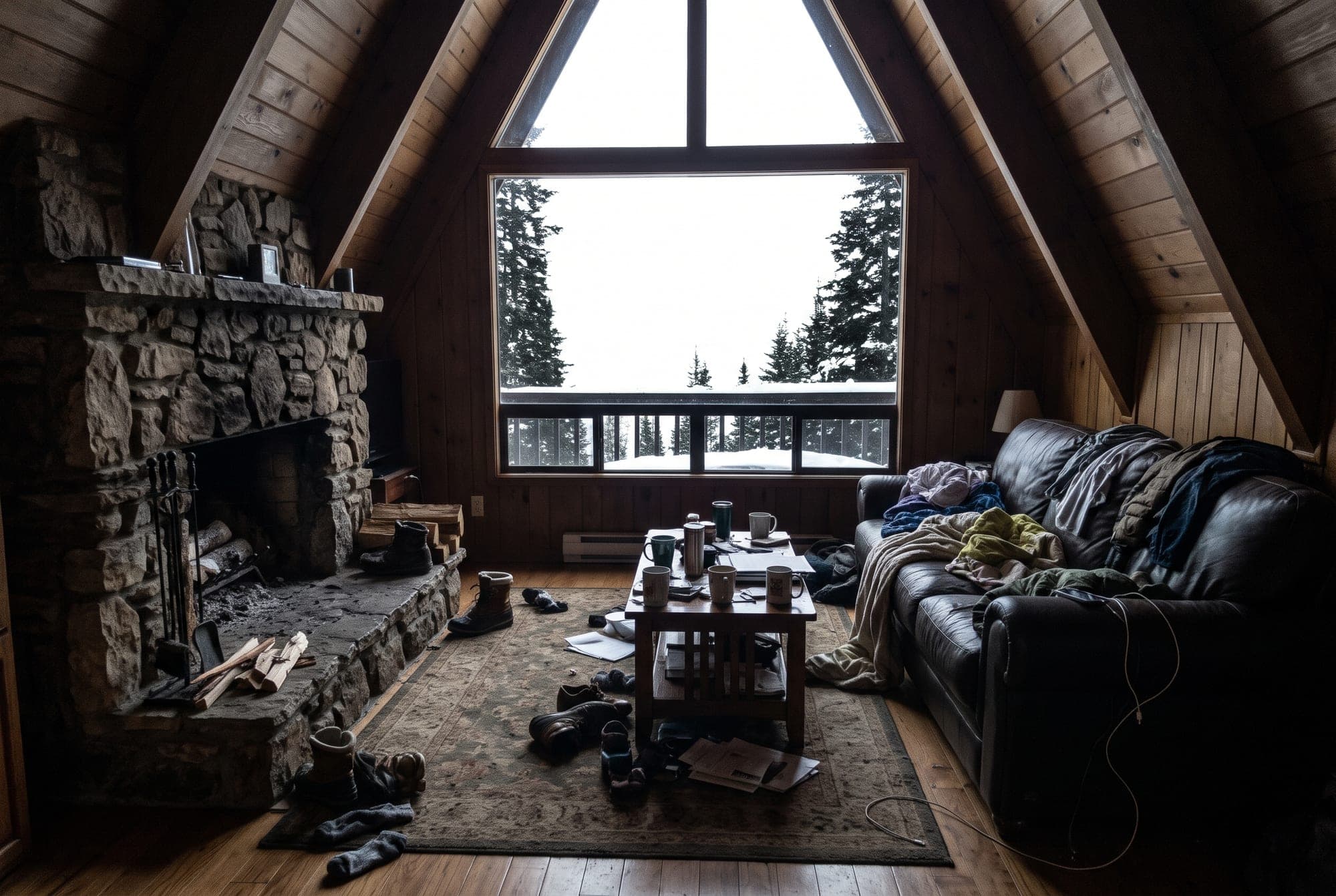
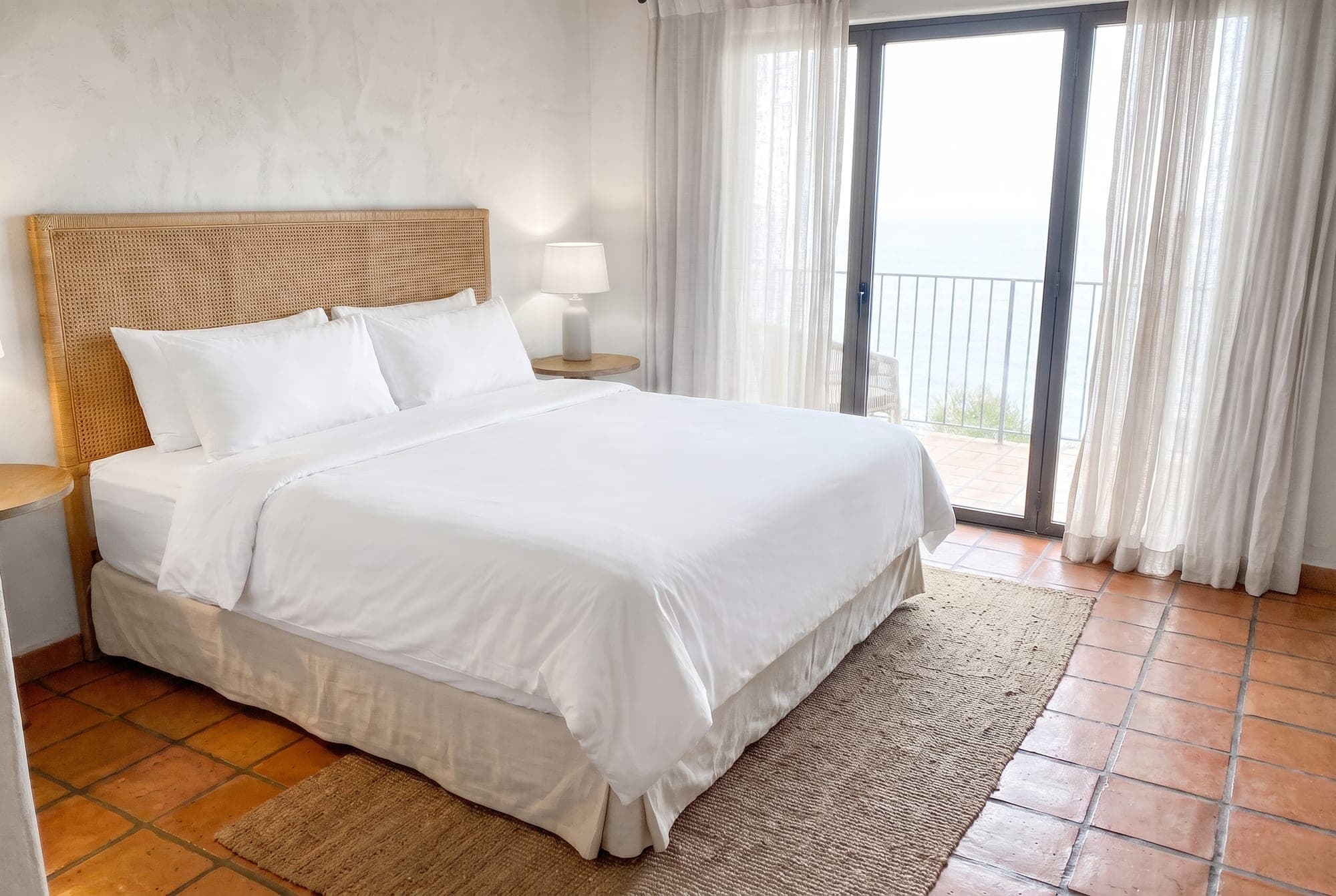
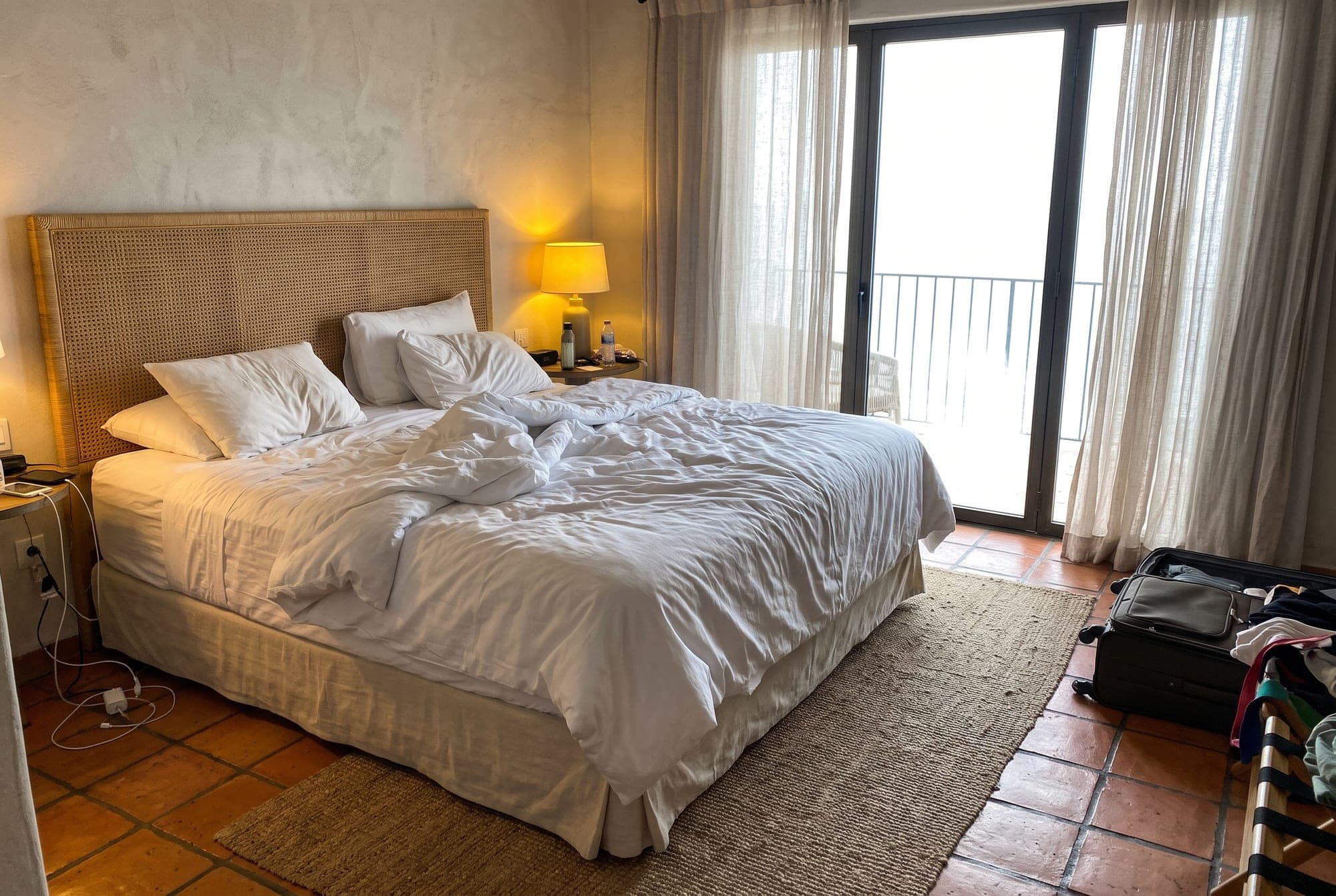

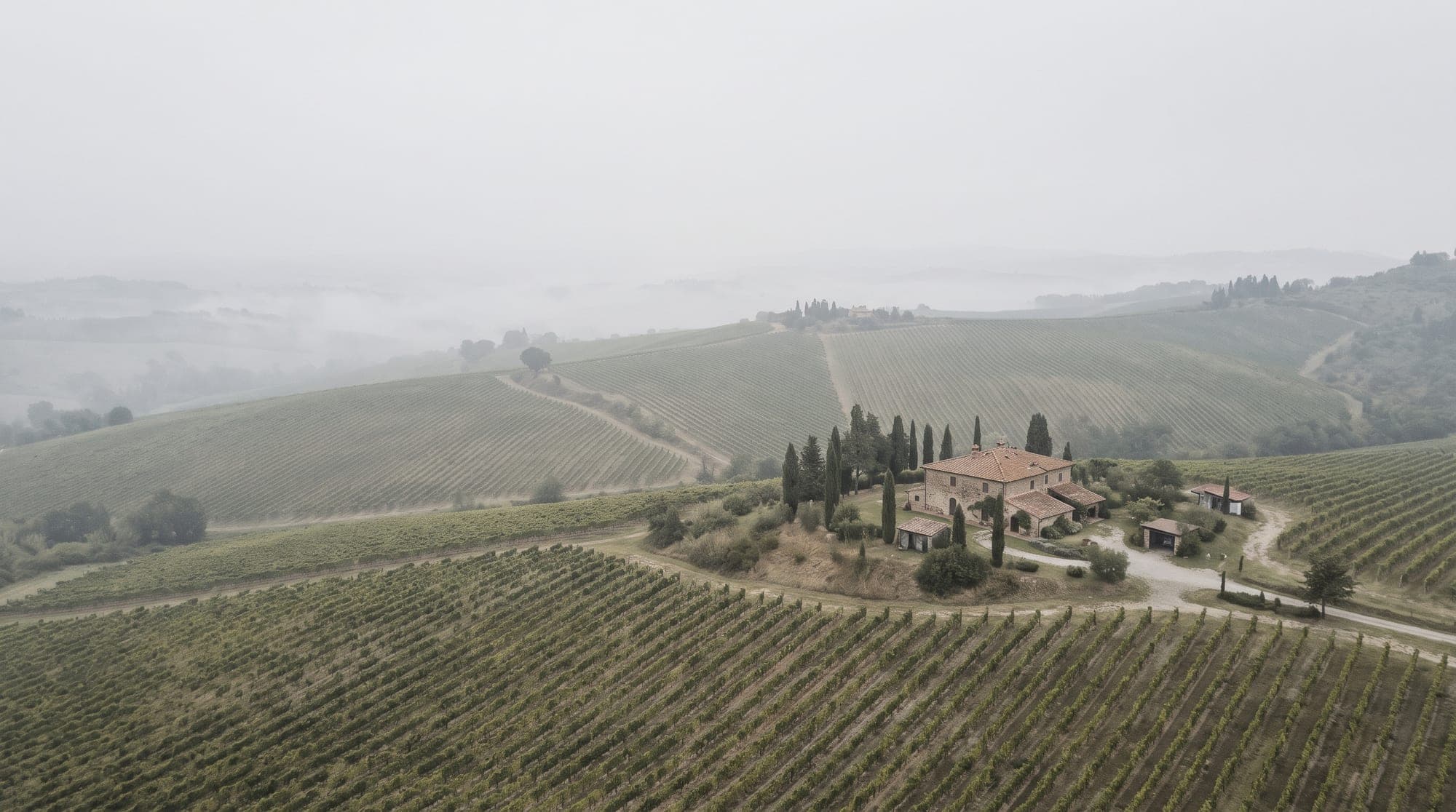
A grey afternoon and a building site become the blue hour.
Changed
- Blue-hour sky
- Lights on inside and out
- Bins, hose, ladder, and ruts gone
Left alone
The house, the gravel, the trees, the undergrowth, and the camera position.
Films
Then the photo starts to move.
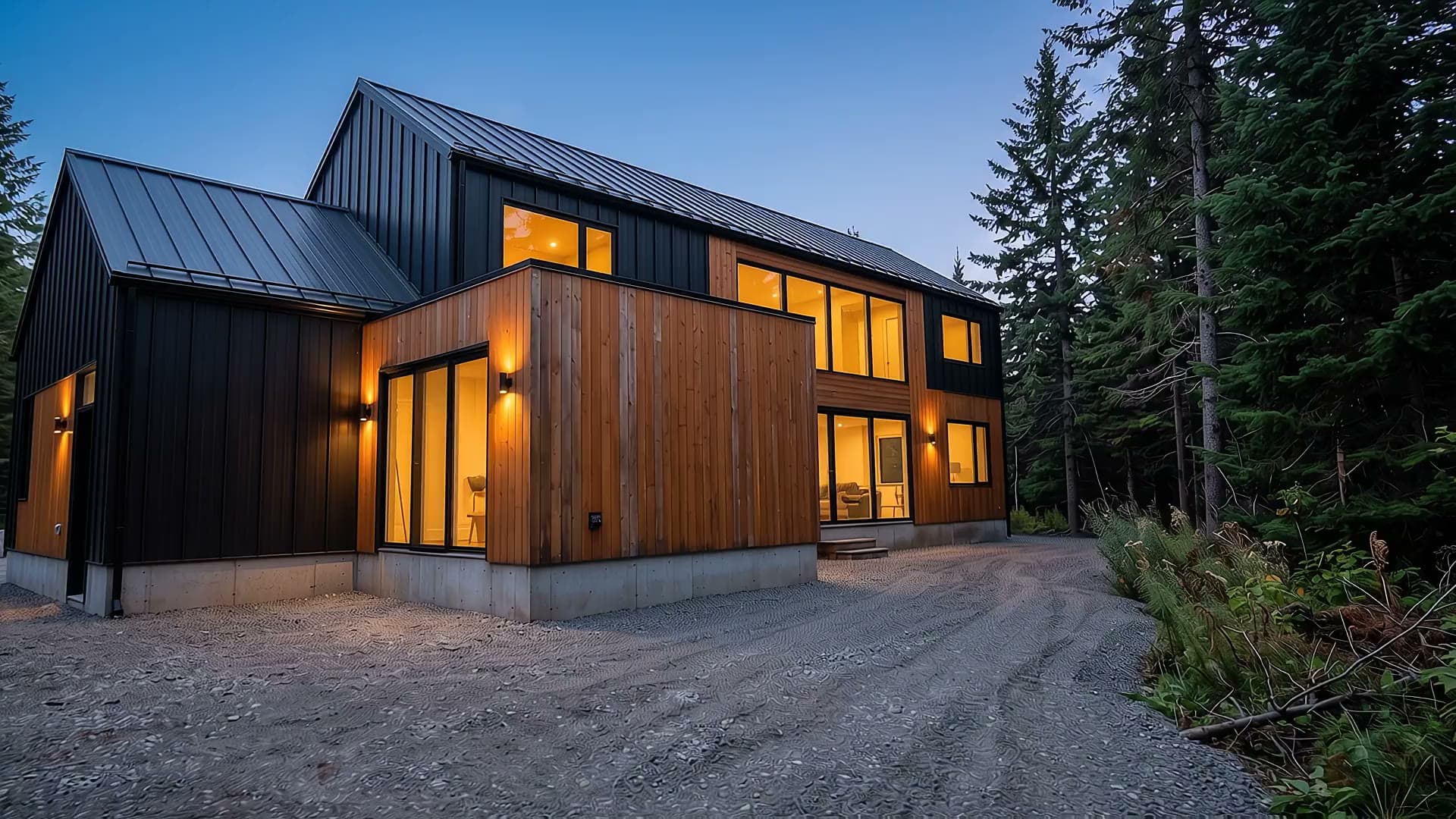
The twilight photo above became this orbit. No drone, no pilot, no permit. Landscape for the listing, vertical for the feed.
Walkthroughs
Four stills in. One unbroken walk out.
Put your rooms in order and Roomfly flies from each one to the next, through the doorways between them. The film at the top of this page is the result.
Watch it again
1 From the air
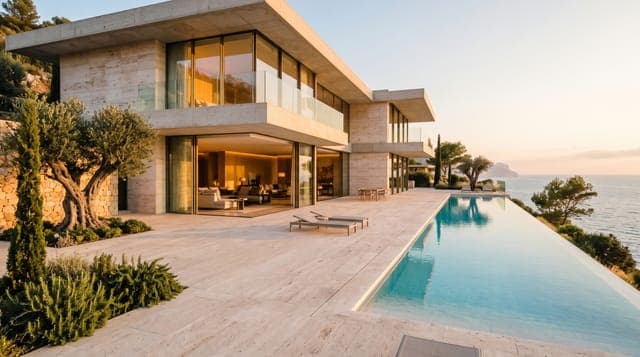
2 Terrace
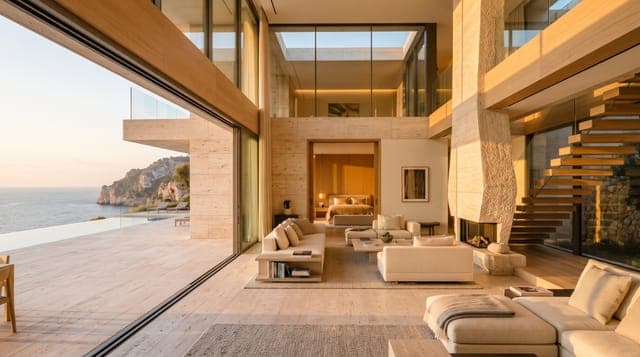
3 Living room
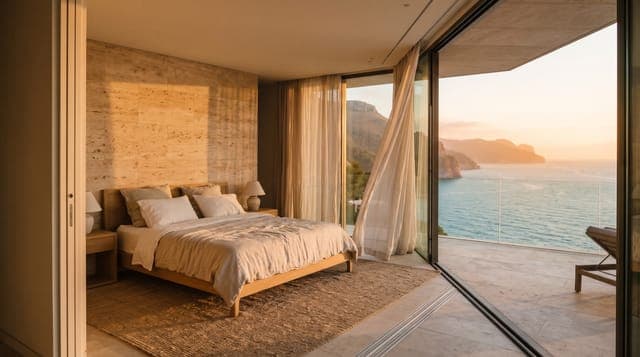
4 Bedroom

Land sells from the air.
A farm, a vineyard, or a forest plot needs the wide view. Pick one of five flight plans for any photo.
Fly-over
High pass across the property
Fly-in
Approach, then close on the entrance
Orbit
Slow arc around the subject
Rising reveal
Lift up to show the setting
Room glide
Gimbal move through the room
How it works
Drop. Choose. Walk away.
Your phone only starts the job. The rendering happens in the cloud, so a dropped signal or a flat battery costs you nothing.
- 0:00
You drop the photos
Choose what you want from each one.
- 0:05
The cloud takes over
Each render becomes a background job in the cloud. Nothing is left running on your device.
- 0:06
You lock your phone
Close the tab, lose signal, go to the next viewing. The jobs carry on without you.
- ~1:30
Renders finish
Photos took 13 to 34 seconds and 1080p clips 70 to 87 seconds in our tests.
- Later
Open Roomfly again
Finished work is waiting. Multi-room films are joined on our server in seconds, when you return.
- 55 days
Download when you like
Finished results are kept for up to 55 days.
However the photos reach you, they fit.
Drag and drop
Any number of photos, or a whole folder
Paste
Images or links straight from the clipboard
Image links
One per line, or a whole list
Listing pages
Paste a page and pick up its large photos
Upload
The ordinary file picker, several at once
Camera
Shoot on site from your phone
Options
Automatic by default. Yours to direct.
Roomfly looks at each photo and suggests the fixes and the camera move. Change anything, or tell it what you want in your own words, and your note overrides the defaults.
Photos
- Made for
- Sale listing, Airbnb, Booking.com
- Look
- Natural, Warm, Crisp, Editorial
- Sky
- Clear blue, Golden hour, Twilight
- Staging
- Modern, Scandinavian, Classic
- Fixes
- Light, verticals, window views, haze, clutter, grounds, planting, beds, lamps, fireplace, screens, people and plates
- Output
- Up to 3 versions of each photo, up to 4K for print
Fly-overs
- Camera
- Fly-over, Fly-in, Orbit, Rising reveal, Room glide
- Pace
- Slow, Natural, Brisk
- Sound
- Ambient, Soft music, Silent
- Format
- Landscape for listings, vertical for Reels and TikTok
Walkthroughs
- Route
- Continuous walk, Room by room, up to 8 stops
- Between rooms
- Cuts, Fade through black
- Sound
- Ambient, Soft music, Silent
Your next listing is already on your phone.
Access code required